

 ∞



Account restore after a reformatKey
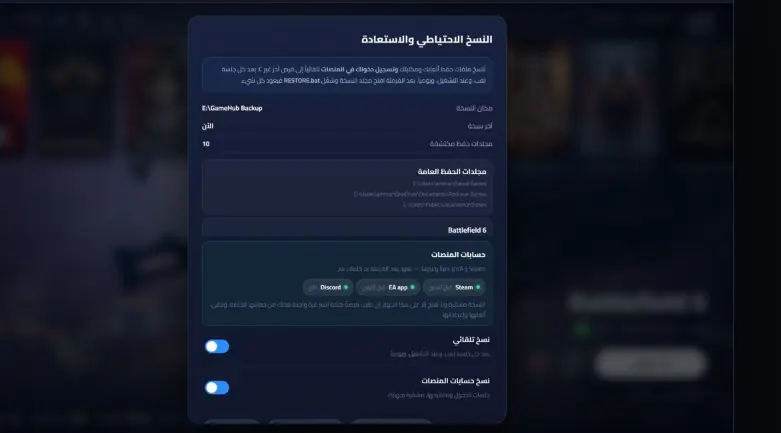
Your platform sign-ins come back with no passwords or verification — even offline accounts. Encrypted, and only opens on your PC.
Games scattered across drives and stores? Game Hub gathers them all automatically into one elegant, gamepad-driven library — and backs up your accounts and files to bring them back after a reformat in one click, with no passwords.
For the best experience, open the demo on a computer or a tablet


You bought games on offline accounts you have no passwords for — and every reformat means they are gone for good.
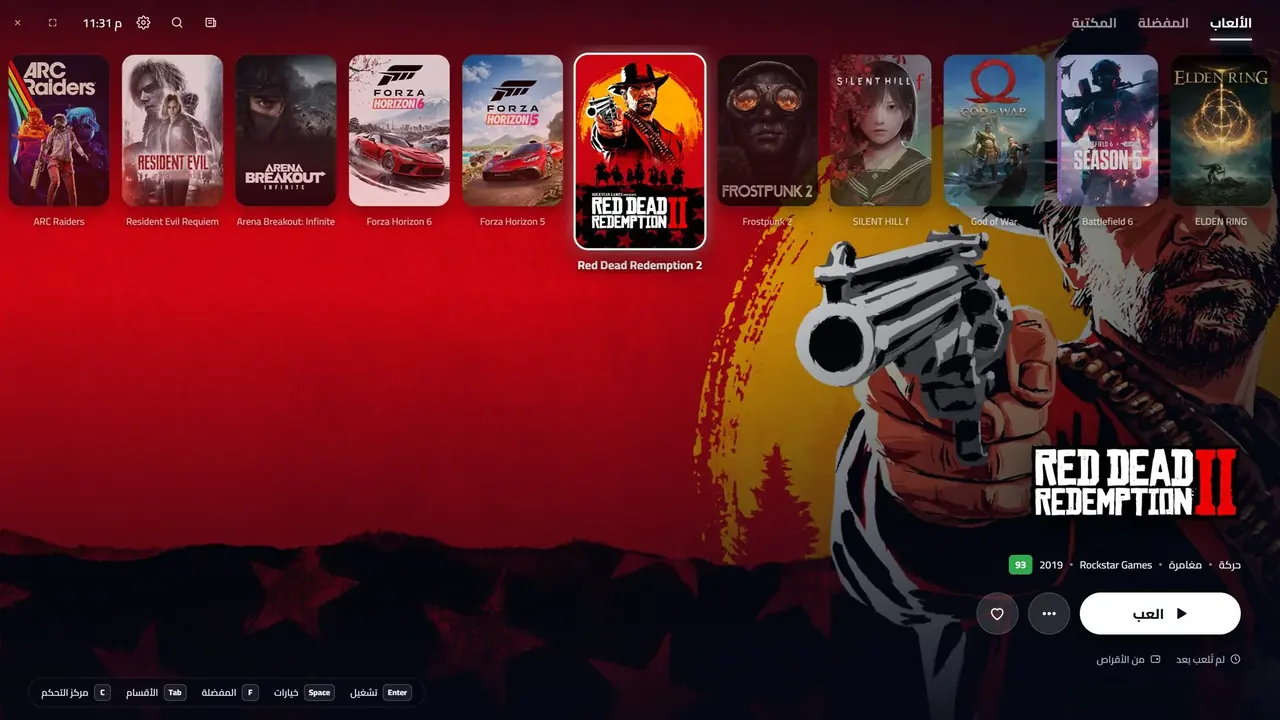
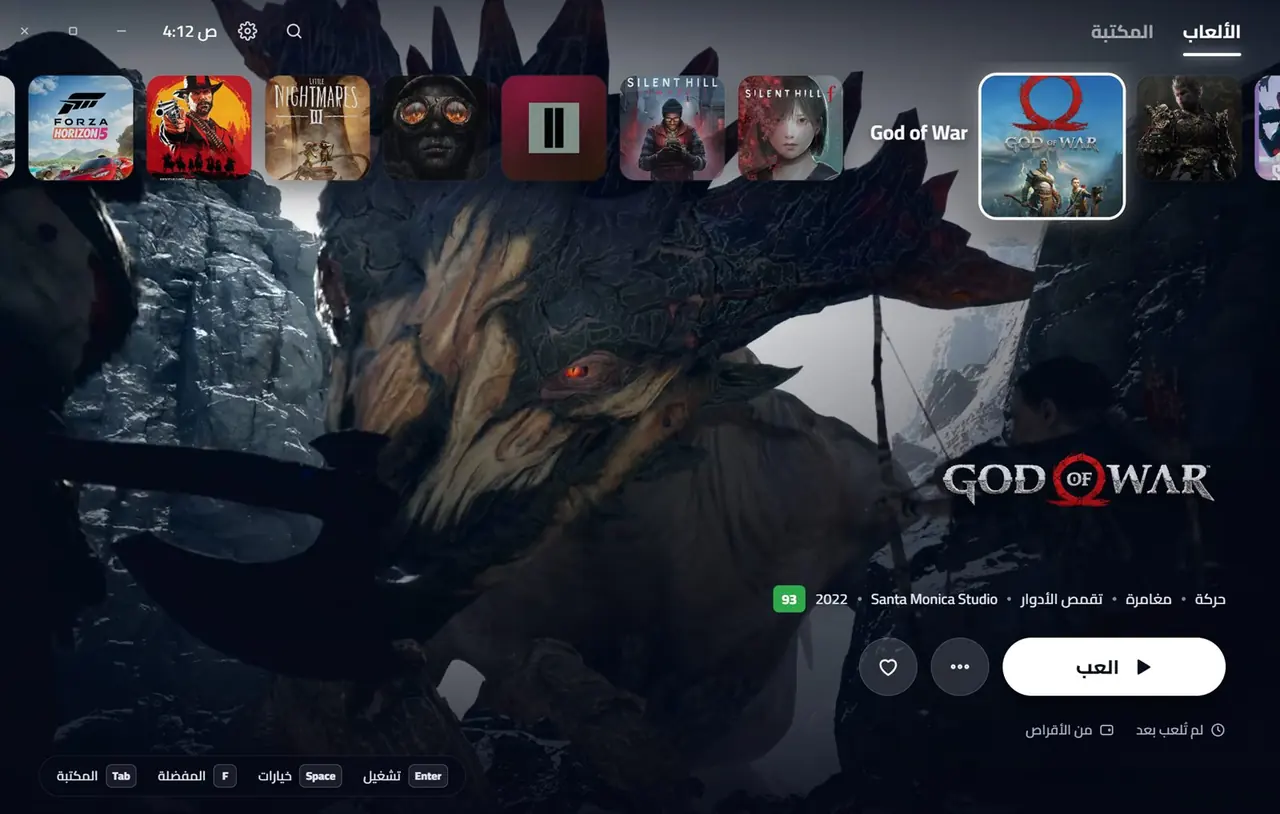
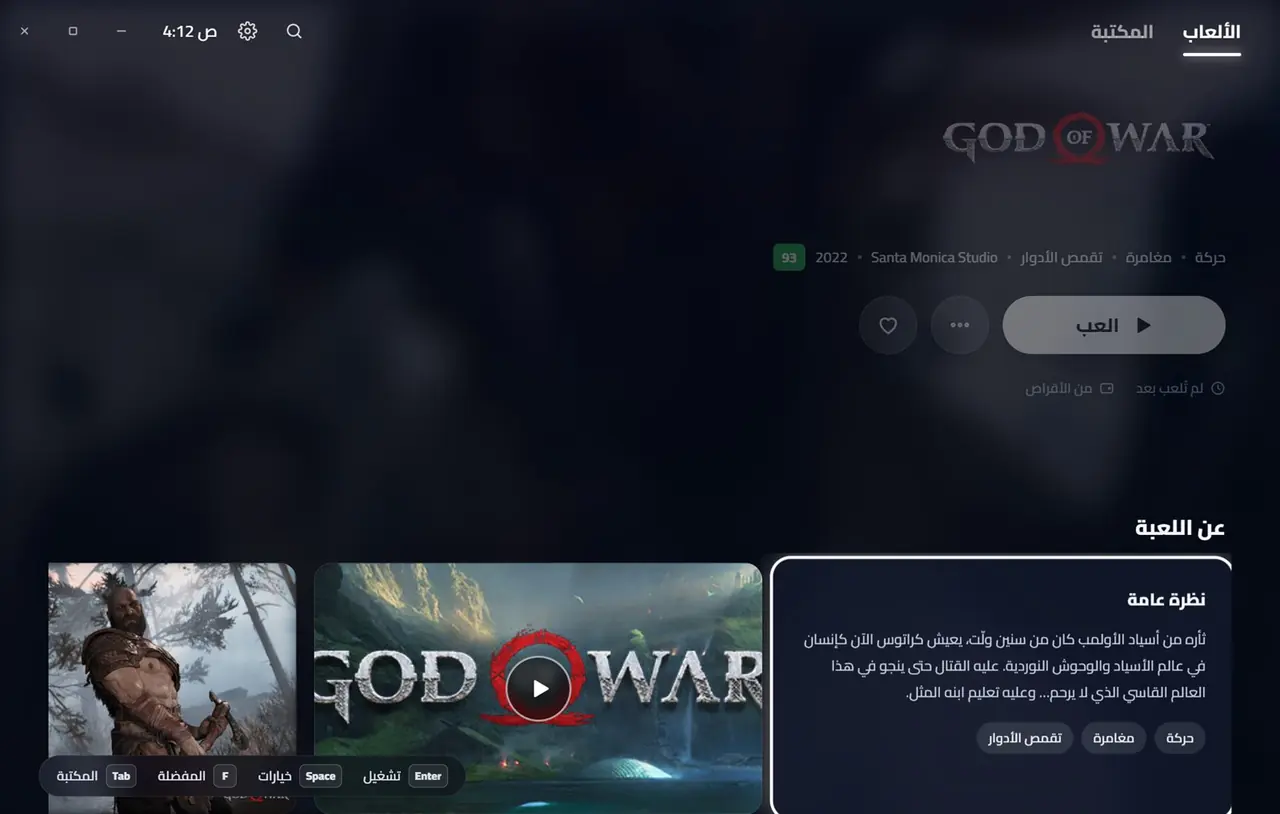
Instead of jumping between Steam, EA and Epic and digging through drives, Game Hub scans your whole PC and gathers your games into one PS5-style library — with covers and trailers, all on a gamepad.
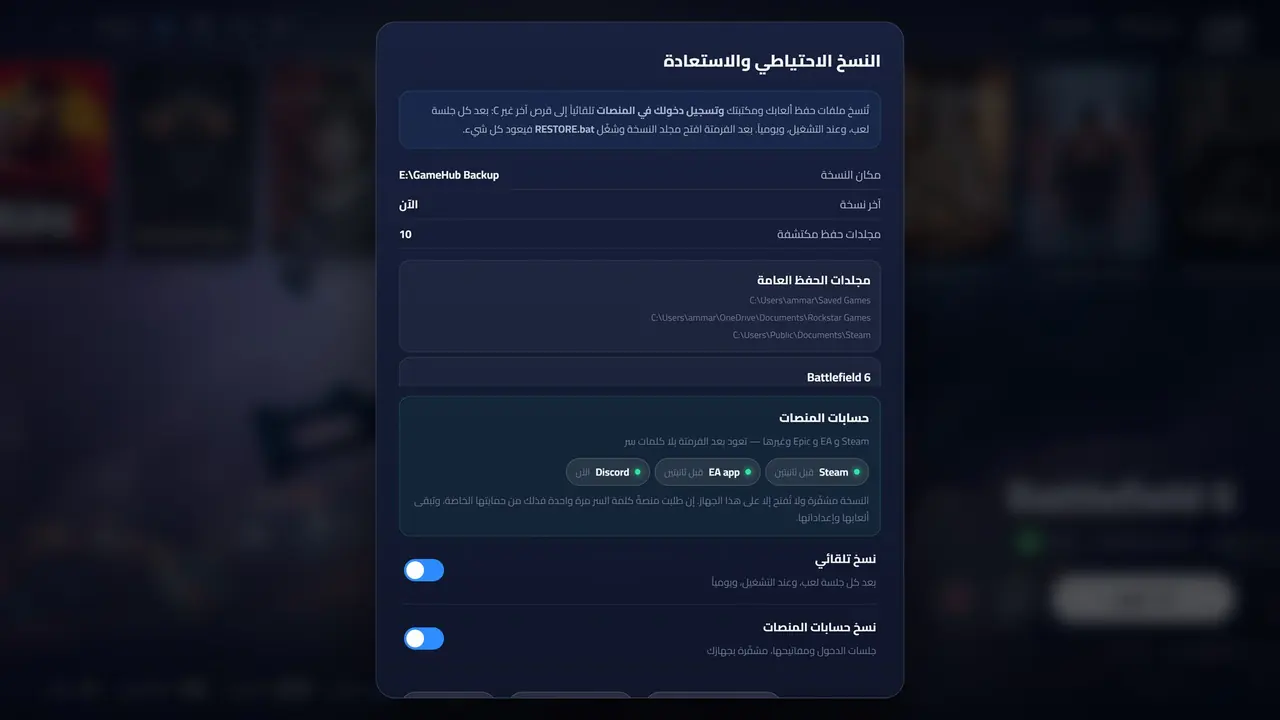
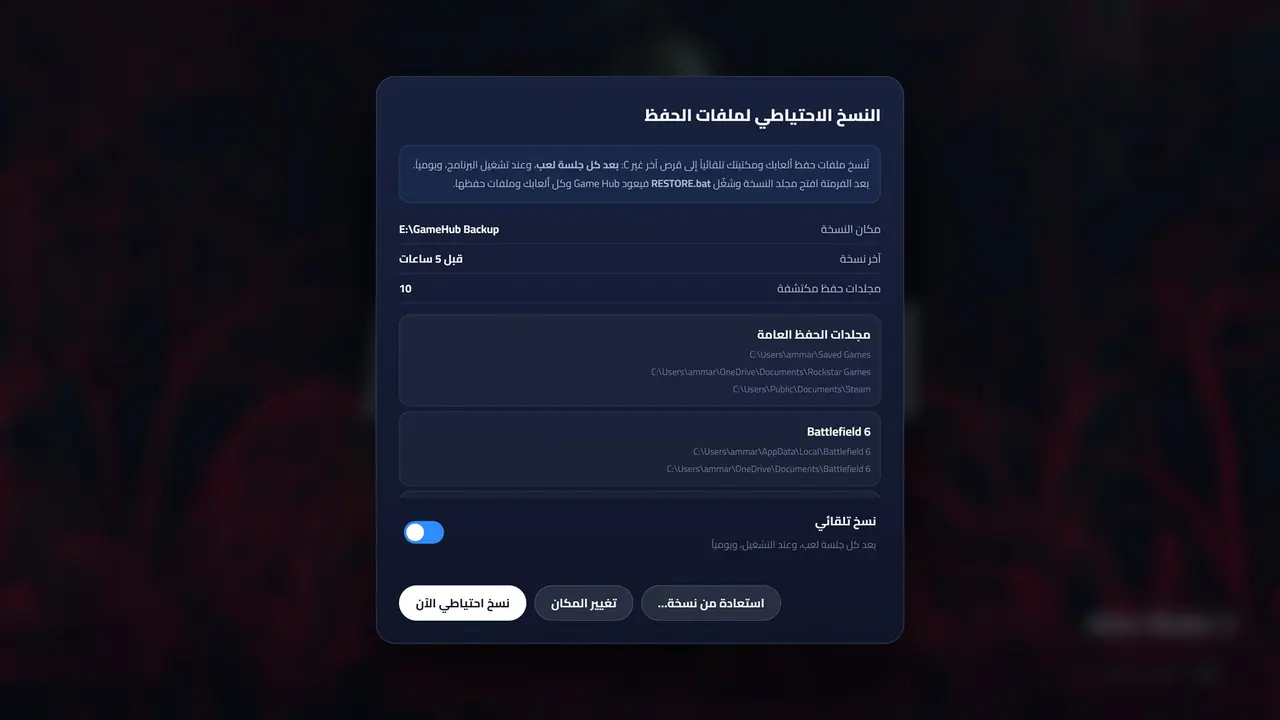
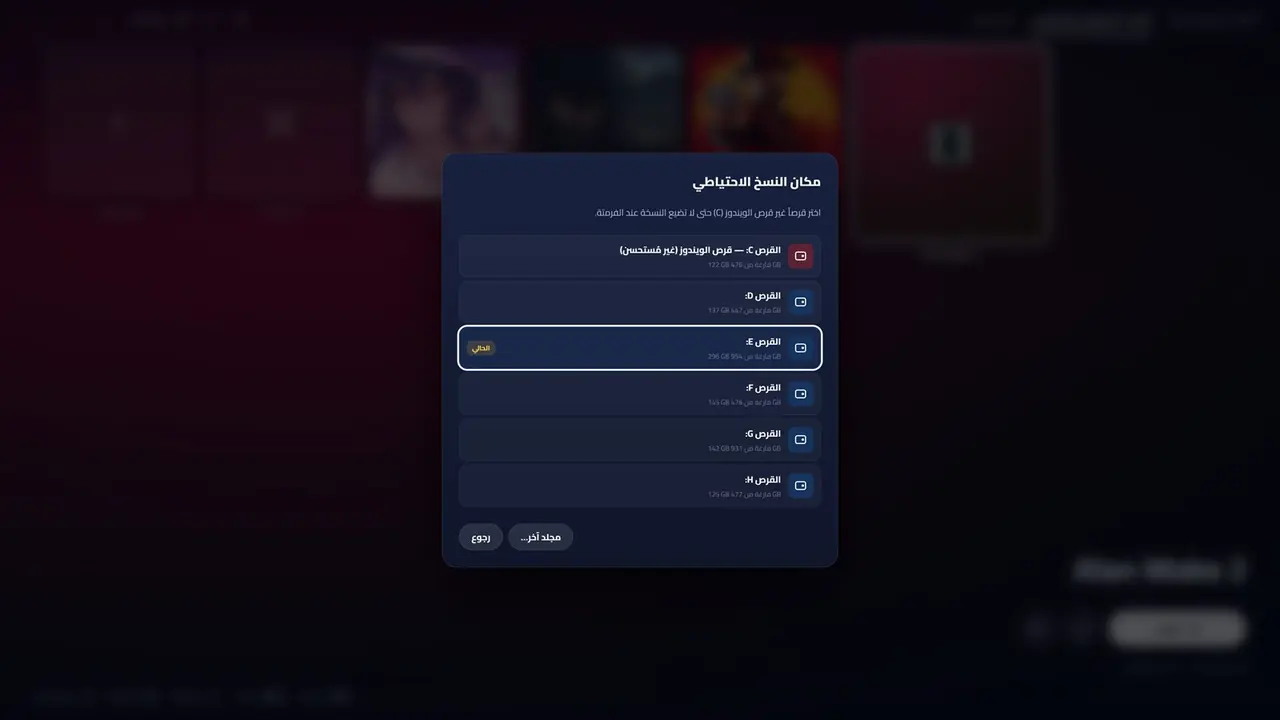
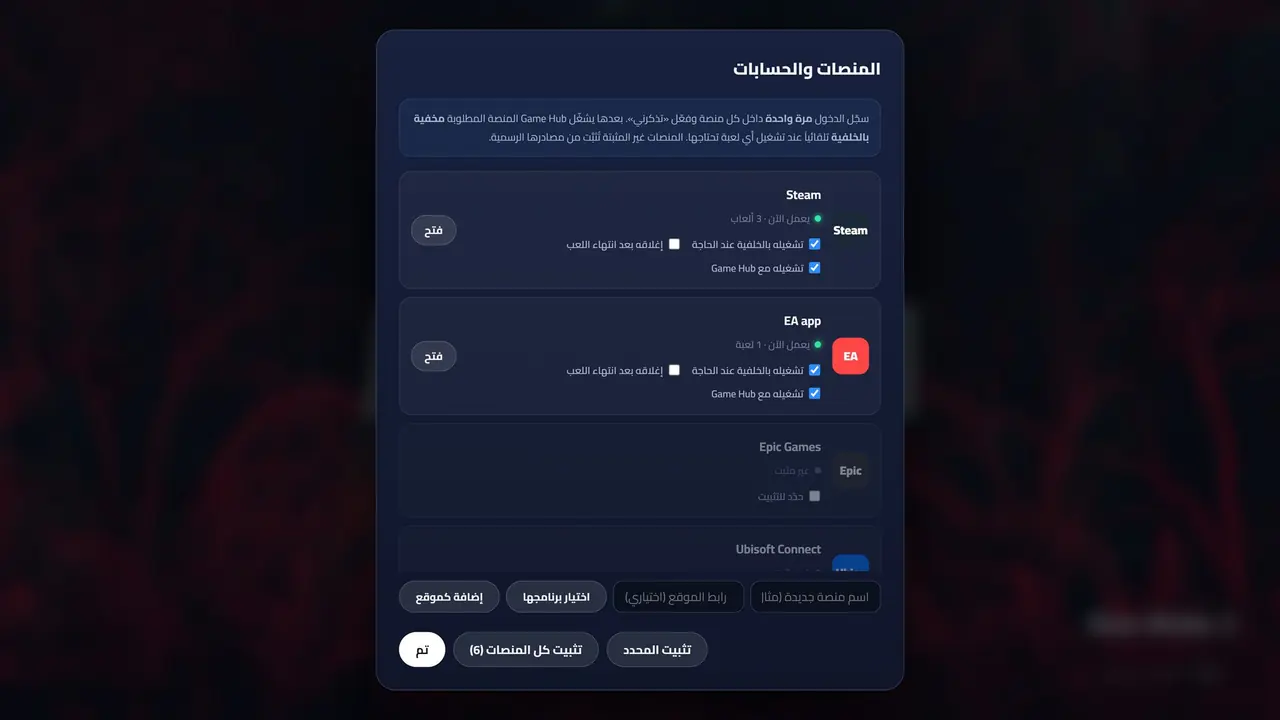
Steam, EA, Epic and Rockstar — all signed in. Game Hub quietly backs up their sessions and your game files, encrypted, to a drive other than Windows.
A fresh Windows means signing out of everything: passwords, verification codes — and worse for anyone who bought offline games on accounts whose passwords they don’t have.
Run the restore and your sessions, games and saves return to their places — no passwords, no verification codes. A platform you haven’t reinstalled yet is restored as soon as you install it.
No manual adding, no hunting for art, no juggling apps.
Your platform sign-ins come back with no passwords or verification — even offline accounts. Encrypted, and only opens on your PC.
After every session, at start-up and daily, to a drive other than Windows — so you never lose progress.
Recognizes games by their files, ignores apps and add-ons, and flags duplicates.
Cover, background, logo, screenshots, trailer and description for every game — and it repairs missing art on its own.
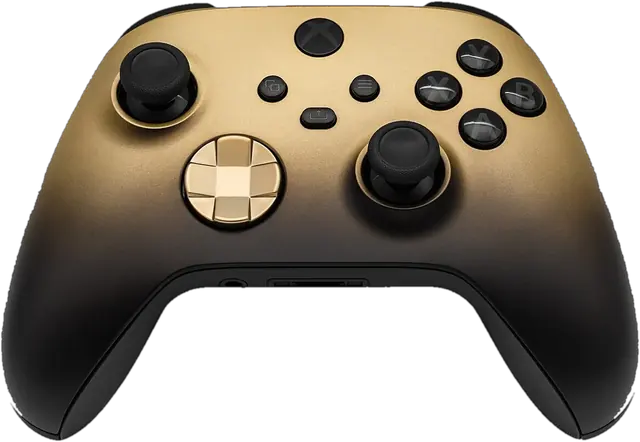
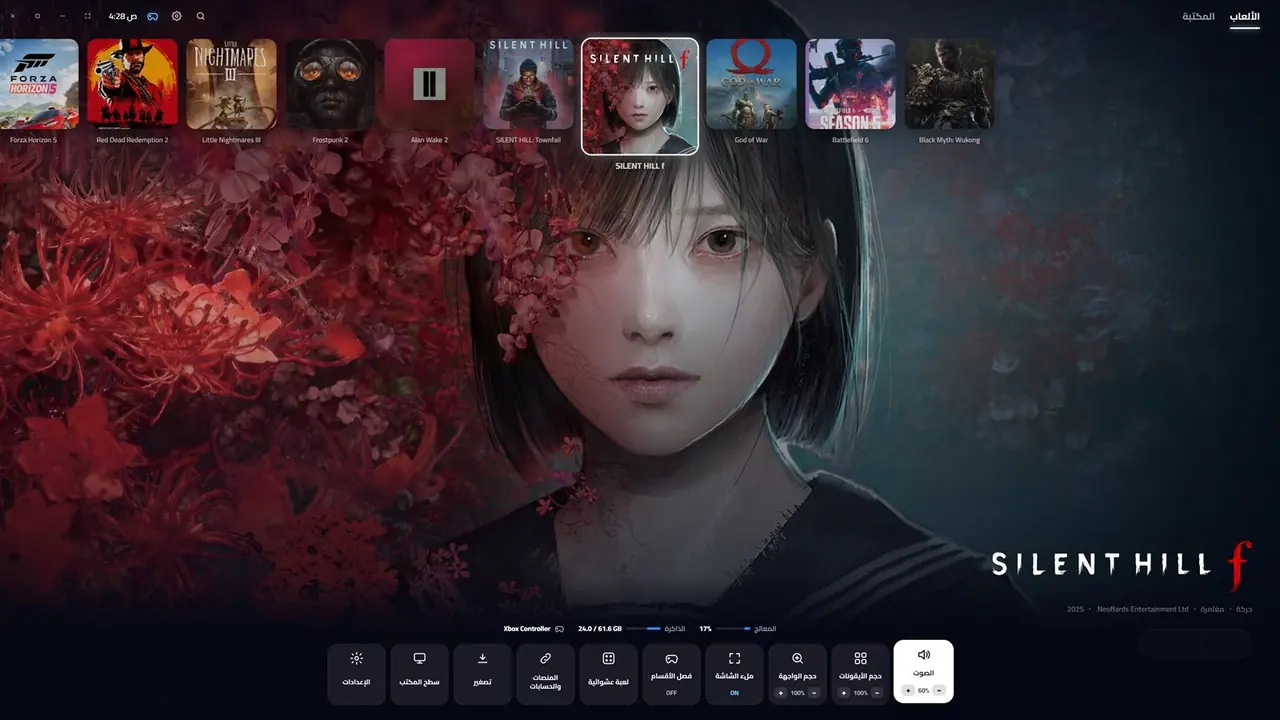
A PS5-style interface that detects Xbox and PlayStation controllers, with a control center and a showcase mode that tours your games.
The strongest recent and upcoming releases with ratings — high-quality games only.
Plenty of apps gather your games. Only Game Hub brings your accounts back after a reformat, with a full PS5-style interface from minute one — in Arabic and English.
Steam, EA, Epic and Rockstar come back signed in on the new Windows — no passwords, no verification codes, even offline accounts whose passwords you never had.
No themes, no plugins, no complicated setup: install, launch, and get a full PS5-style interface you drive with a controller.
Save files are backed up automatically after every session to another drive — no extra backup tool needed.
An Arabic interface end to end, and direct WhatsApp support in your language — no forums, no waiting.
| Game Hub | Other library launchers | Official game stores | |
|---|---|---|---|
| Restore platform sign-ins after a reformat — no passwords | |||
| Automatic save-file backup for every game | With add-ons | Their own games only | |
| Every store and manually installed game in one library | |||
| PlayStation-5-style interface ready from the first launch | Needs themes and setup | ||
| Automatic covers, backgrounds and trailers | After setup | Their own games only | |
| Full Xbox and PlayStation controller support | Partly | ||
| Fully Arabic interface | Partly | Partly | |
| Direct support in Arabic on WhatsApp |
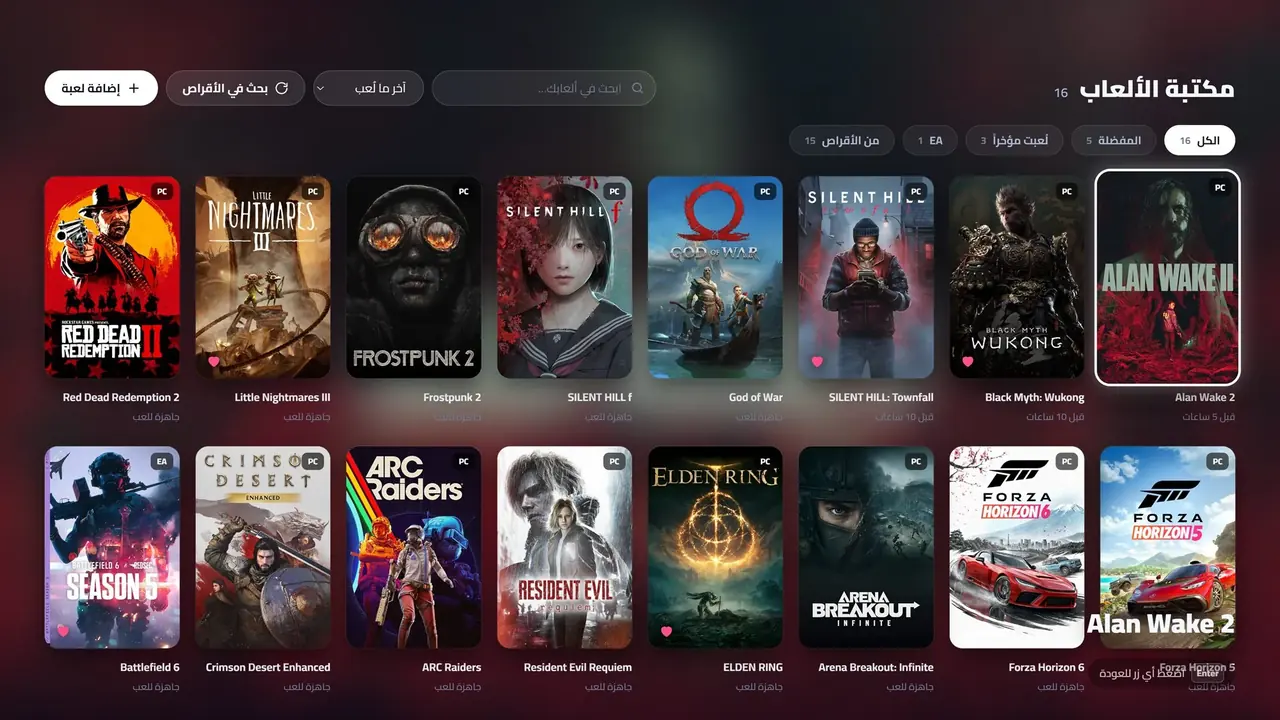
Run the scan once: it checks every drive and shows what it found with icons, so you choose what to add.
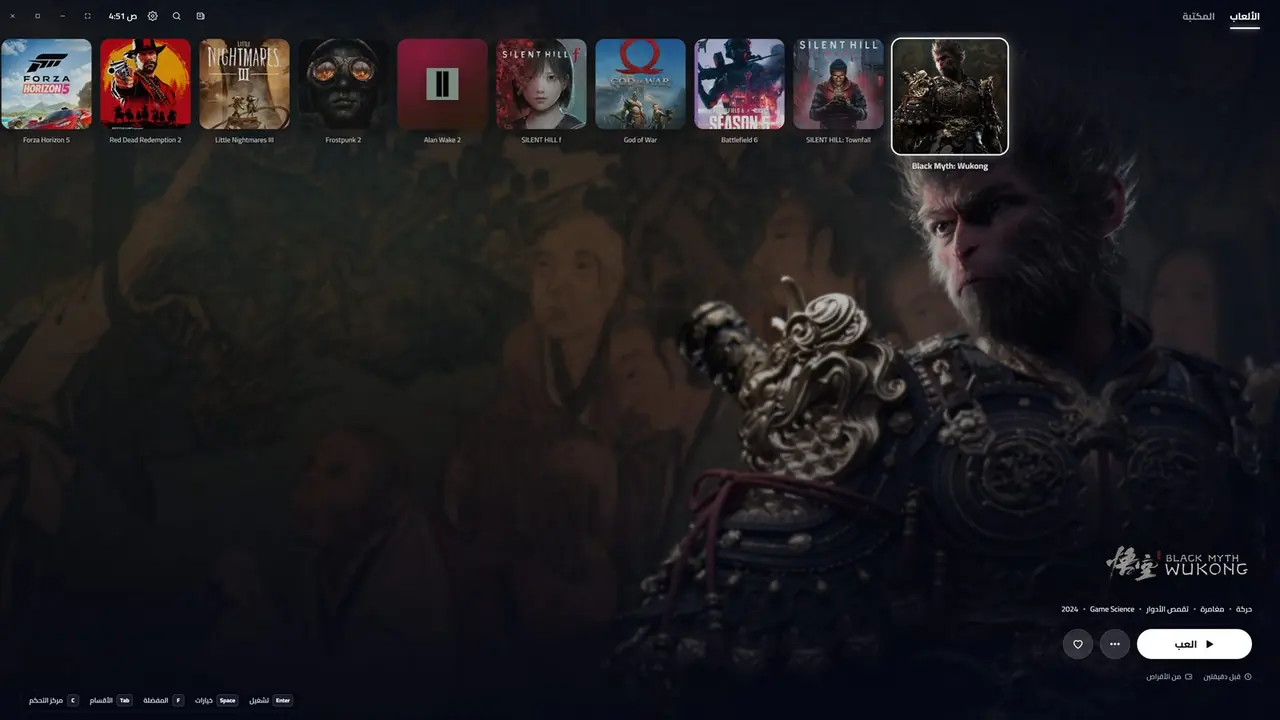
Covers, backgrounds, logos and trailers that play in the background — two or three per game, then on to the next.
Works with PlayStation (DualSense and DualShock) and Xbox controllers automatically: it recognizes yours the moment you plug it in, and the button symbols on screen change to match. Plus a PS5-style control center for volume, sizes and fullscreen, and back to the library after playing.
Every picture here is Game Hub running on a real PC — tap any picture to enlarge it.
Every copy is tied to its owner’s PC with a signed activation code that can’t be forged.
Easiest: get Game Hub PC from the Microsoft Store and no warning appears. The website version stays available for anyone who prefers it, and also covers saves of unofficial releases.
Did Windows warn you while installing? That’s normalGame Hub comes from an independent developer and isn’t signed with a paid certificate yet, so Windows warns about it like any new app it doesn’t know. The app is safe and only talks to our website.
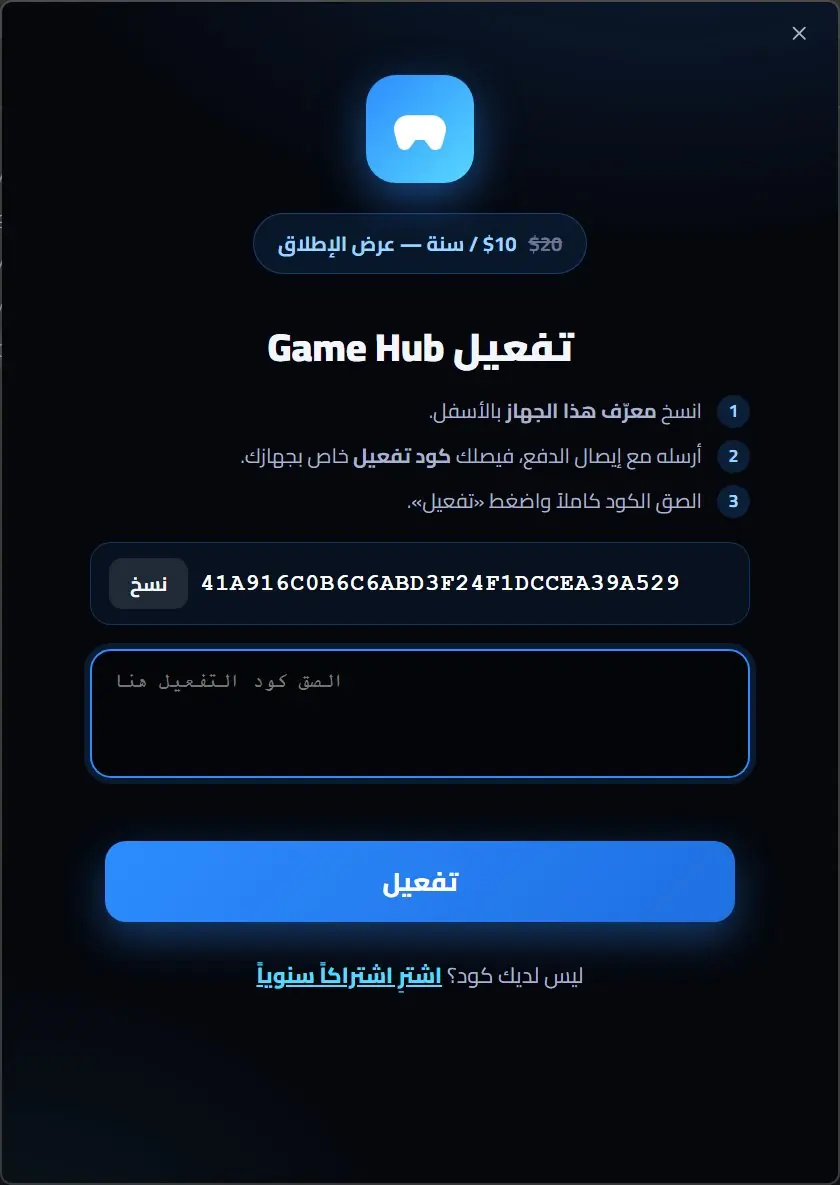
No limit on games, with every update throughout your subscription.




One app that turns the chaos of drives and stores into an elegant library — and survives a reformat.